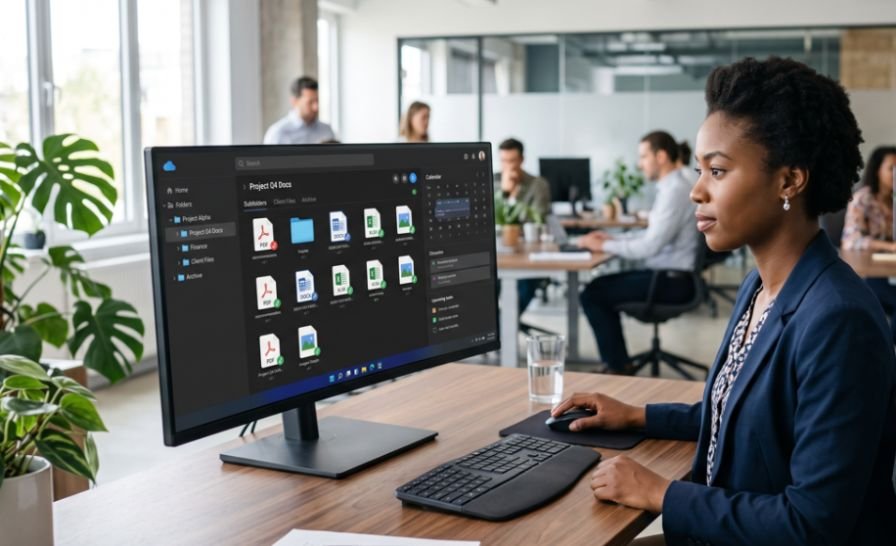
I have seen organized folders become useless because every file had a vague name. “Report final,” “new report,” and “final report 2” waste time and invite mistakes.
The best file naming convention for digital documents uses a repeatable structure: date, project or context, short description, and version number. A strong default is YYYYMMDD_Project_Description_v01.ext. It sorts cleanly, reads quickly, and works well across shared drives.
The Quick Answer: Use One Modular Pattern
Use this reliable default:
YYYYMMDD_ProjectOrClient_DocumentDescription_v01.ext
Not every file needs every module. A signed contract may not need a version tag. A reusable template may not need a date. Consistency matters more than adding unnecessary detail.
| Element | Purpose | Example |
| Date | Sorts time-based files | 20260721 |
| Project | Groups related work | AcmeCorp |
| Description | Identifies the document | Q2-Invoice |
| Version | Tracks revisions | v01 |
| Extension | Shows file type |
Example: 20260721_AcmeCorp_Q2-Invoice_v01.pdf
This gives the best file naming convention for digital documents enough detail for search without turning each name into a sentence.
1. Start With a Four-Part File Name
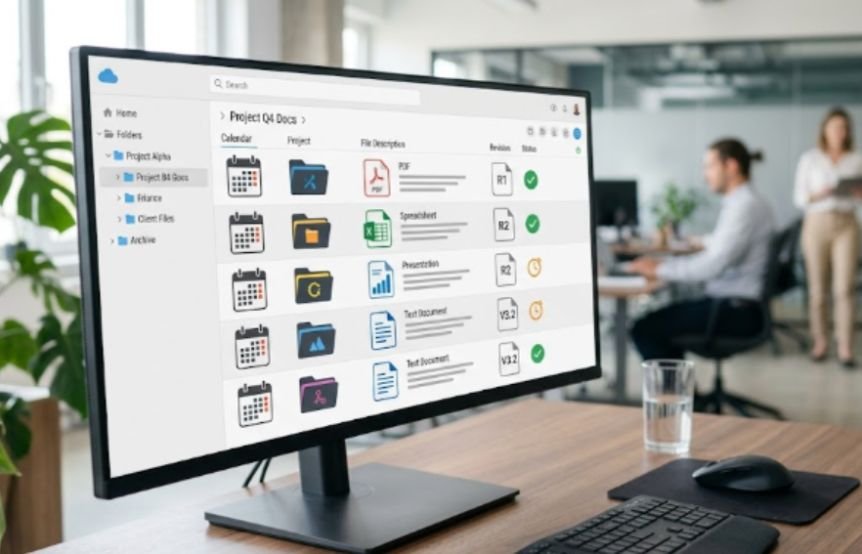
A modular name answers four questions: when, for whom, what, and which version. Use underscores between major sections and hyphens inside a section.
A Worked Business Example
Weak name: Campaign brief newest FINAL.docx
Strong name: 20260721_AcmeCorp_Q3-CampaignBrief_v03.docx
The stronger name identifies the date, account, content, and revision without opening the file. It remains useful after someone downloads it from its folder.
2. Put an ISO-Style Date First When Time Matters
Use YYYYMMDD or YYYY-MM-DD for time-based documents. ISO 8601 places the year before the month and day, removing ambiguity from regional formats.
I prefer YYYYMMDD in file names because it stays compact. Dates such as 20251231, 20260115, and 20260721 sort chronologically.
Do not force the date first when users search by client, case, or subject. The best file naming convention for digital documents should reflect the team’s main retrieval habit.
3. Use Clear Separators Instead of Loose Spaces
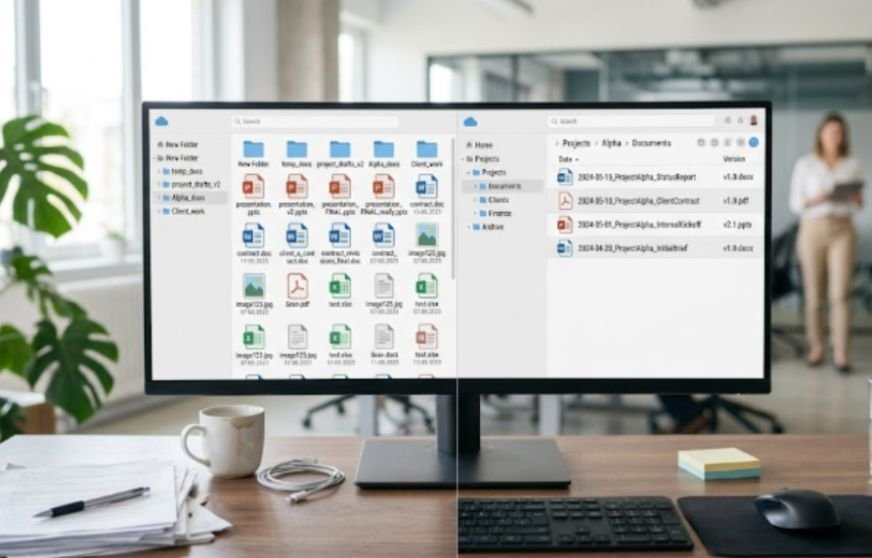
Spaces are supported by modern systems, but they can become %20 in web addresses and complicate long cloud paths. Microsoft advises avoiding spaces and punctuation in long names to prevent OneDrive renaming problems.
Choose one style:
- Underscores between modules: Client_Project_Date
- Hyphens within a module: Annual-Report
- CamelCase for compact labels: AnnualReport
Do not mix styles without a rule. Inconsistent names slow scanning.
4. Remove Characters That Cause Compatibility Problems
For cross-platform work, limit names to letters, numbers, hyphens, and underscores. Windows and Microsoft cloud tools restrict characters such as ” * : < > ? / \ |. Apple blocks colons in Mac file names, and some apps reject slashes.
Avoid decorative punctuation, emoji, trailing spaces, and names beginning with a period. This compatibility rule is central to the best file naming convention for digital documents for teams using mixed systems.
5. Control Versions With Leading Zeros

Use v01, v02, and v03, not “final,” “final-new,” or “approved-final.” “Final” describes status, while a version number identifies sequence. Add a controlled status only when useful, such as v05_Approved.
My Sort-Stability Test
I ran an alphabetical sort with ten versions. Files labeled v1 through v10 sorted as v1, v10, v2, v3…. Files labeled v01 through v10 sorted correctly.
Use two digits for most office documents. Use three only when a project may exceed 99 revisions.
6. Keep Names Short Without Making Them Cryptic
There is no universal perfect length. I aim for roughly 25 to 50 characters before the extension. That range usually keeps names meaningful without creating oversized paths.
NARA recommends meaningful, consistent naming and notes that the complete path matters. Its preservation guidance also favors short, human-readable, unique names for moving-image files.
Do not repeat every folder name. Inside Clients/AcmeCorp/Invoices/2026/, 20260721_Q2-Invoice_v01.pdf may be enough.
7. Order Each Element Around Search Behavior
The best file naming convention for digital documents changes slightly by workflow.
Put the date first for invoices, meeting notes, inspections, and daily logs. Put the client or project first for case files, design assets, and research. Put document type first when employees browse policies or templates.
Ask one question: “What will users remember first when they search?”
8. Standardize Abbreviations With a README File
Abbreviations save space only when everyone understands them. “CR” could mean change request, client review, or credit report.
Create 00_README.txt in the root folder. Record the pattern, date format, abbreviations, version rules, and examples. The 00_ prefix usually keeps it near the top during alphabetical sorting.
Examples for Common Digital Documents
| Use case | Recommended order | Example |
| Invoice | Date, type, vendor | 20260721_Invoice_AWS_v01.pdf |
| Meeting notes | Date, team, topic | 20260721_Marketing_WeeklyNotes_v01.docx |
| Contract | Client, type, date | AcmeCorp_NDA_20260721.pdf |
| Research data | Project, sample, date | CancerStudy_Group-A_20260721.csv |
| Design asset | Client, asset, size, version | Nike_HeroBanner_1200x600_v03.png |
These examples show why one rigid order cannot serve every department. The best file naming convention for digital documents uses fixed modules with a deliberate order.
How to Introduce the Convention to a Team

Start with one active folder rather than renaming the full archive. Test the pattern for two weeks. Note which abbreviations confuse users and which modules add no value.
Before renaming shared folders or archived records, I also follow a clear process for how to back up computer files to cloud storage so the original documents remain recoverable if anything is moved, overwritten, or renamed incorrectly.
Then publish the final rule in 00_README.txt, include three examples, and assign one owner. Pair the convention with organizing digital files and folders for work so file names and locations support each other.
Frequently Asked Questions
1. What is the best file naming convention for digital documents at work?
Use YYYYMMDD_Project_Description_v01.ext, then adjust the order to match how your team searches.
2. Should file names include spaces or underscores?
Underscores are safer for web and cloud workflows, while hyphens or CamelCase can separate words inside modules.
3. Should the date appear at the beginning or end?
Put it first for chronological browsing and later for client-, case-, or project-first browsing.
4. Is “final” acceptable in a file name?
Use version numbers for sequence and add a controlled status such as Approved only when needed.
Name It Once, Find It Without the Drama
I judge a naming system by one result: can another person identify the correct file without opening five wrong ones? The best file naming convention for digital documents makes that possible through dates, meaningful labels, safe characters, and disciplined versions.
Start with one shared folder. Rename ten active files, test the sort order, and document the rule in 00_README.txt. Your future self will face fewer “FINAL-final-really-final” emergencies.